Every screen, documented
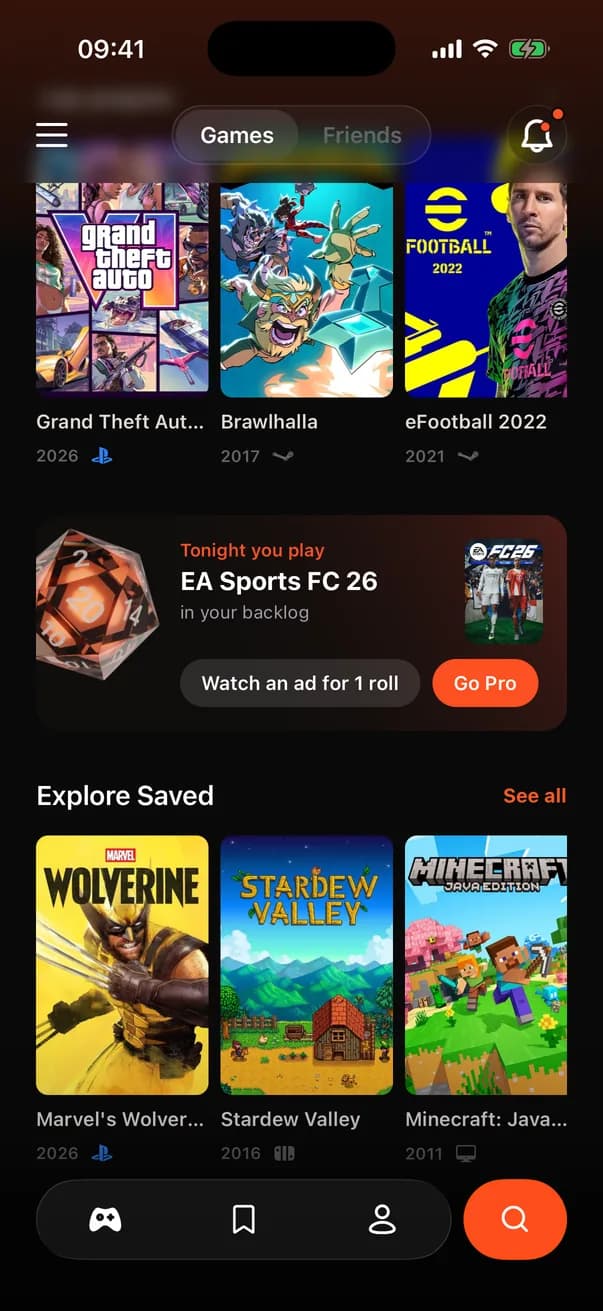
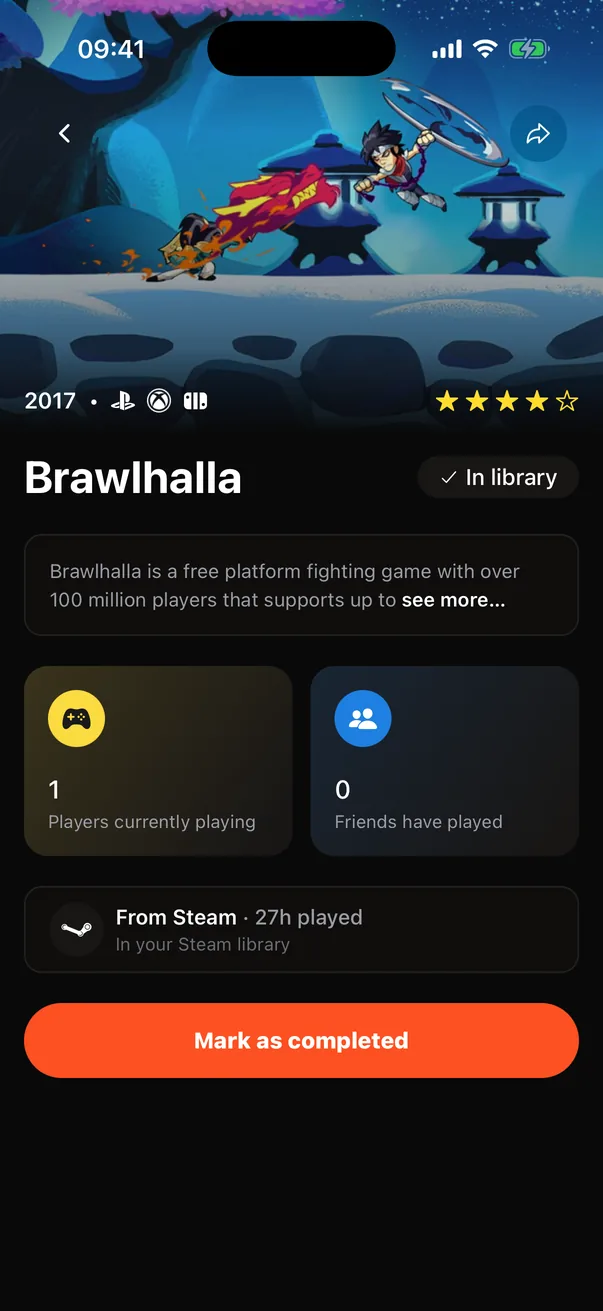
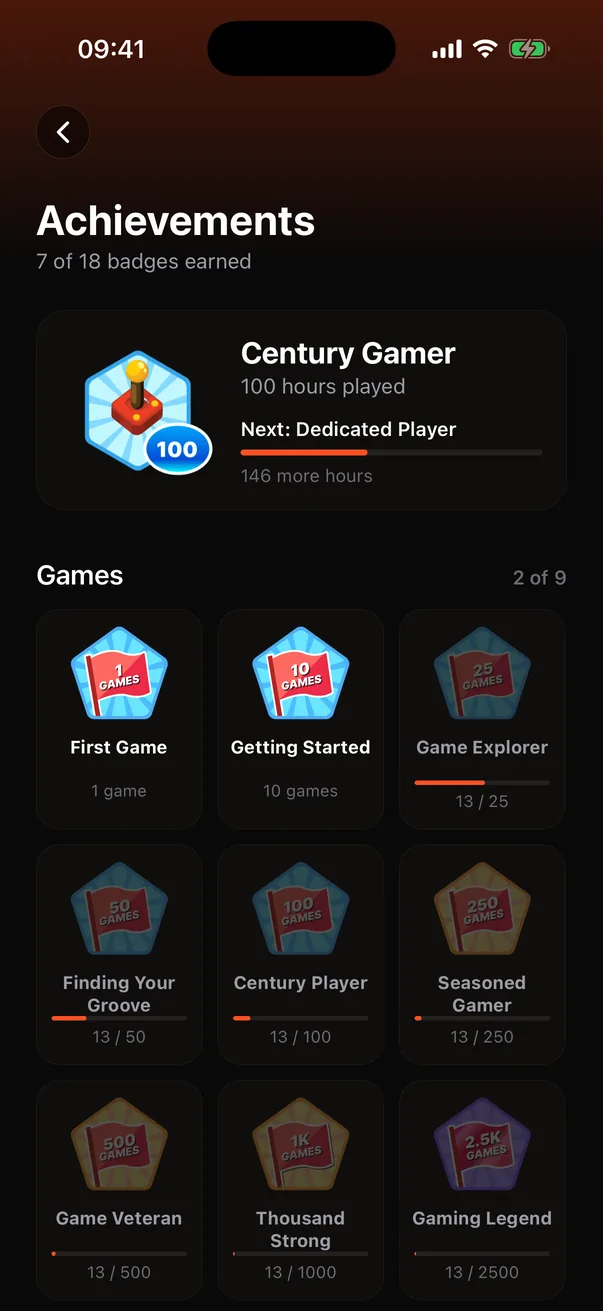
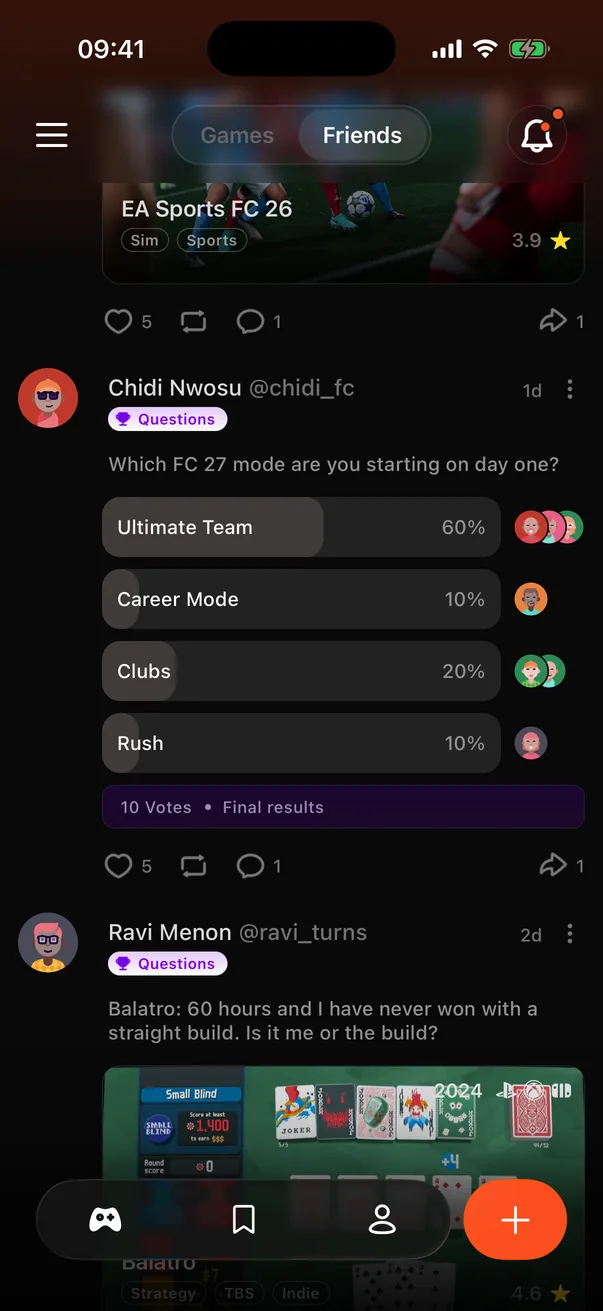
Tap any screen for the full breakdown: what it does, how it is built, and the decisions behind it, with the trade-offs we accepted.
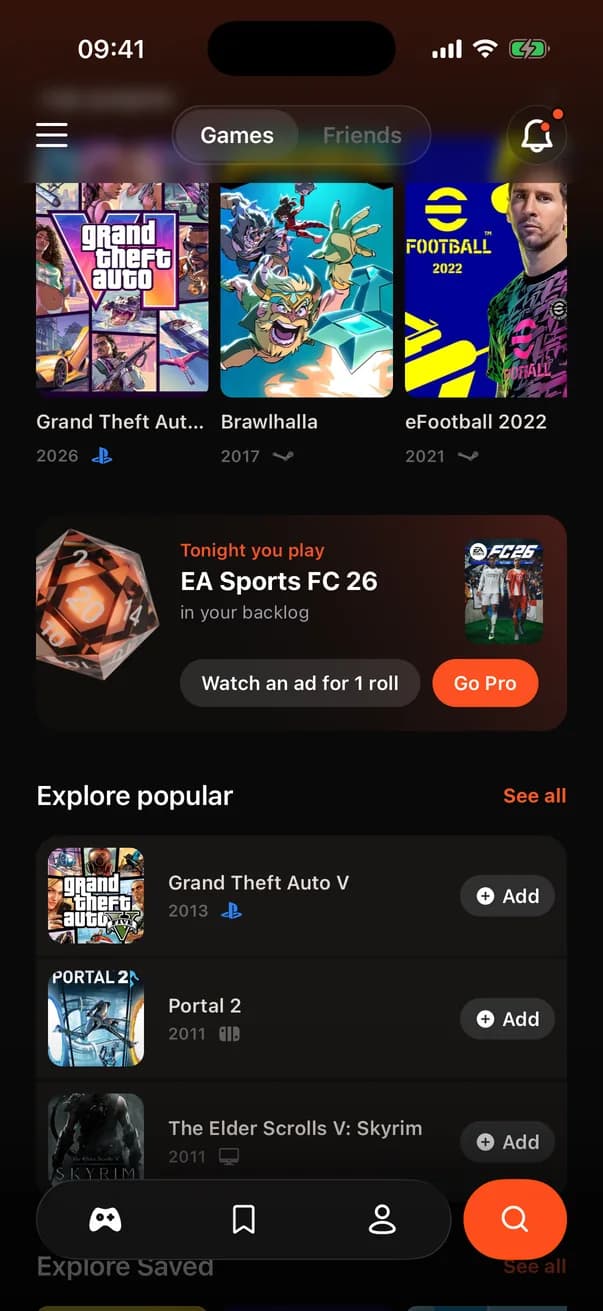
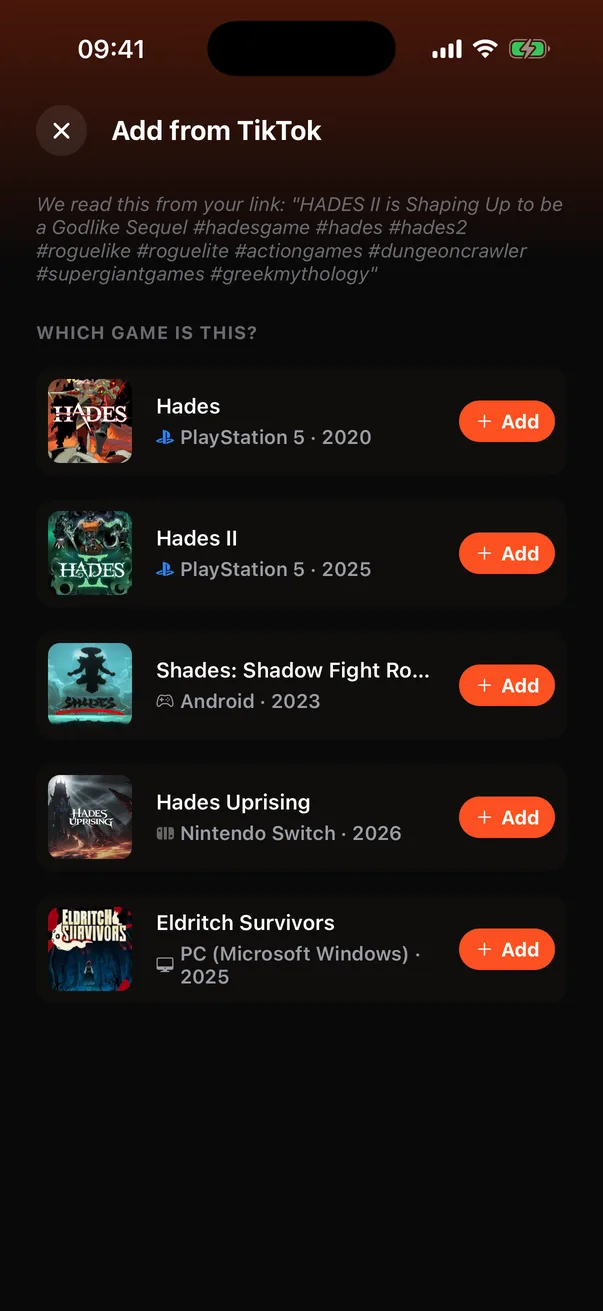
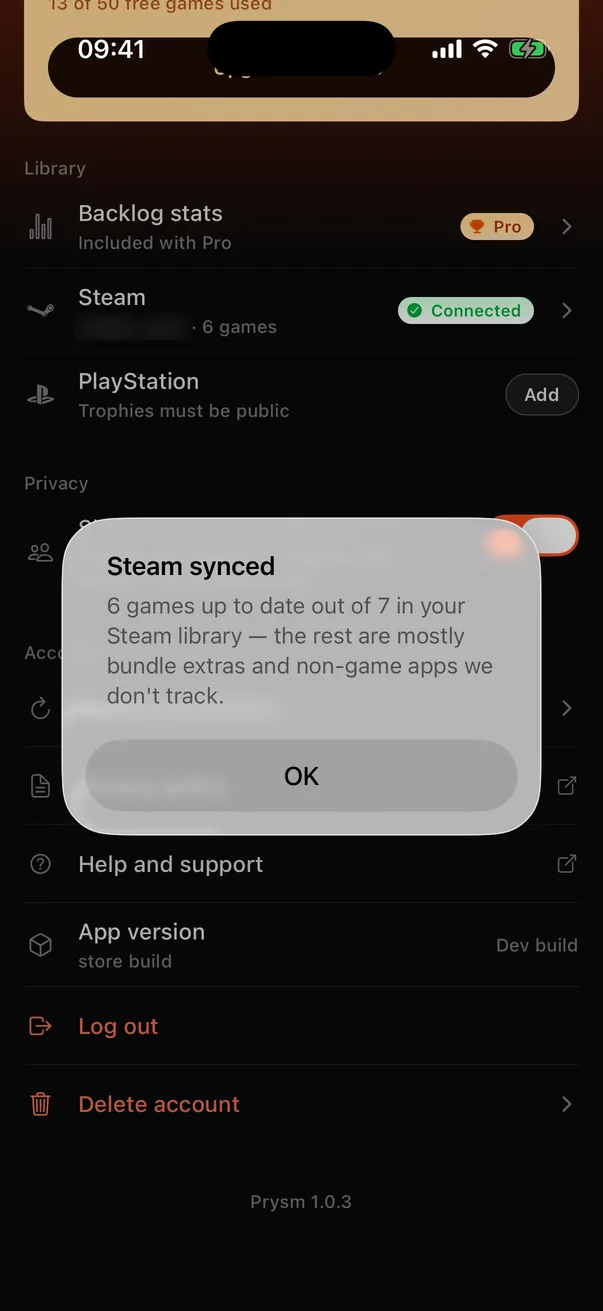
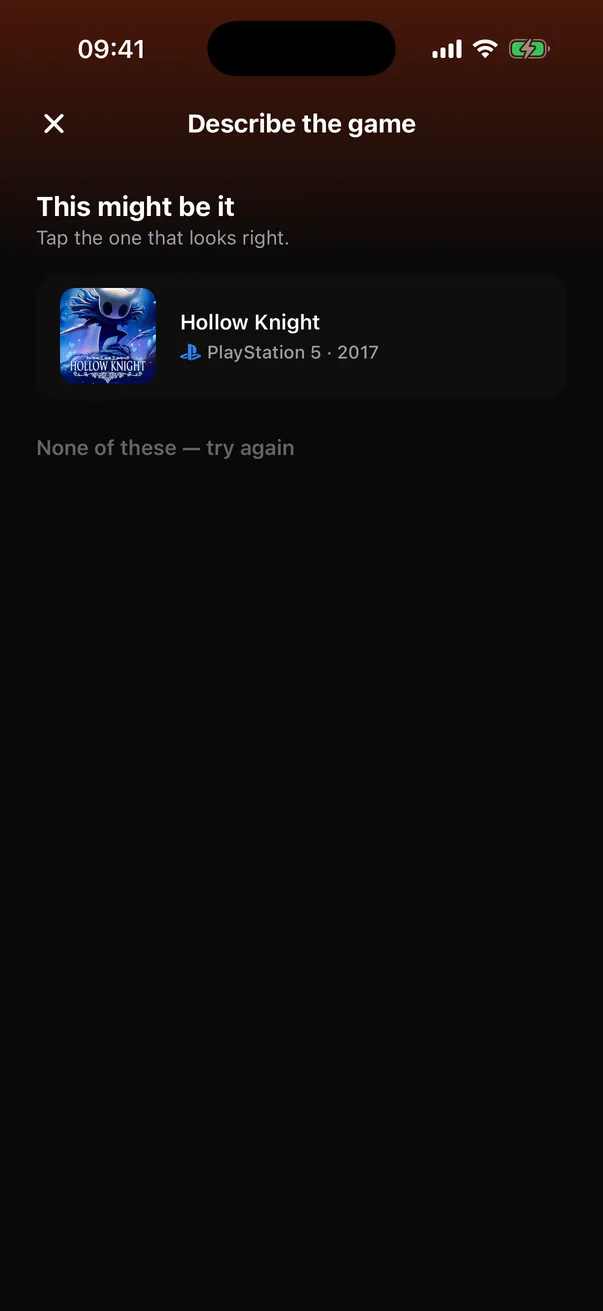
How the app is built
Organised by feature
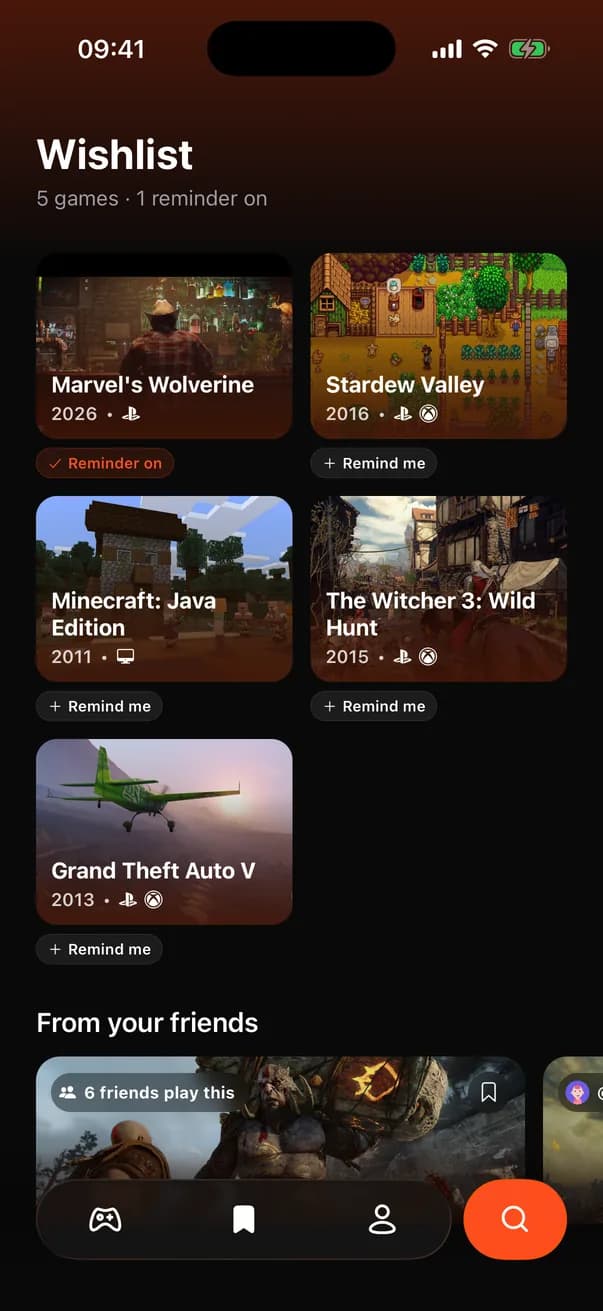
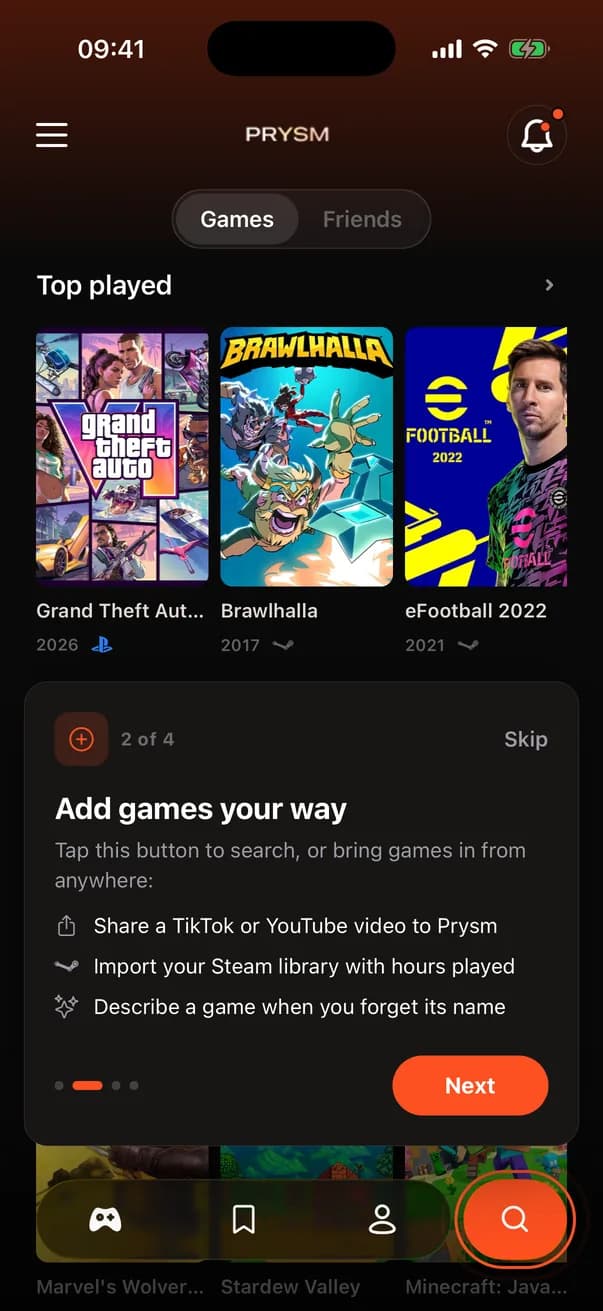
Code is grouped by feature, not by file type. Library, adding games, wishlist, the feed, friend profiles, events, vague search, onboarding, the paywall, the passport, notifications, sharing, Steam linking, widgets and profile each own their screens, components and store. Shared UI and the theme live in one folder.
Network calls go through services
A screen asks a store, the store asks a service, and the service knows which endpoint is involved: catalog, library, social, events, auth, purchases, ads or notifications. Changing or mocking a vendor touches one file, and vendor quirks stay out of UI code. The purchases service is the only file that imports RevenueCat's SDK.
Two ways to the backend
Your own data (library, wishlist, profile, follows, likes, watches) goes straight to Postgres through the Supabase client, protected by row-level security. Anything that needs a secret or crosses between users (search, game detail, sharing, imports, vague search, deletion) goes through an edge function. Sessions are stored on the device and refresh on their own.
Native pieces
A share target on iOS and Android, prysm:// deep links for returning from Steam or Xbox and for widget taps, home-screen widgets (WidgetKit on iPhone, react-native-android-widget on Android), a small Android module that checks installed game packages, and purchases and push each behind their own service. The app is dark-only, with its colours in one theme file that this website reuses.