Prysm Pro
Finish more of what you start
Overview
The paywall is a native screen in the app's own theme: hero art, the headline “Finish more of what you start”, and four benefits: Unlimited shelves (free stops at 50 games), No ads (none, anywhere), Backlog stats (hours owed and more) and Unlimited rolls (free gets one a day). Below them sit the packages from the current offering: yearly (selected by default), monthly, and a one-time lifetime purchase when the store has it. Prices, currency and the yearly saving come from the store. When you are eligible for the yearly plan's free trial, the button says so. Restore purchases, the terms and the privacy policy are one tap away.
How it works
- 1
The paywall opens from the moments where the free plan runs out: adding your 51st game (from the library, a game page, search, the wishlist or events), the Go Pro button on the roll card, the Steam over-limit line, Backlog stats, the Pro strip on your profile, Upgrade to Pro in Settings, and the roulette widget on iPhone.
- 2
The screen reads the current offering through RevenueCat's SDK. The trial line comes from the yearly product's introductory offer, and only shows when the store says you are eligible.
- 3
Purchasing is one call. The returned CustomerInfo refreshes the shared Pro store at once, and if the paywall opened for a game, that game is added right away.
- 4
The Pro store checks the entitlement rather than a product id. It refreshes at launch, after a purchase or restore, and through RevenueCat's customer info listener.
- 5
The RevenueCat customer is logged in with your Prysm account id after sign-in, so a purchase follows your account to a new phone, not the device.
Key decisions
Never at launch
No paywall on first open, none in onboarding, none inside the share flow. It appears at the moment a limit costs you something, which is when the benefit is easiest to understand.
Blur the real numbers
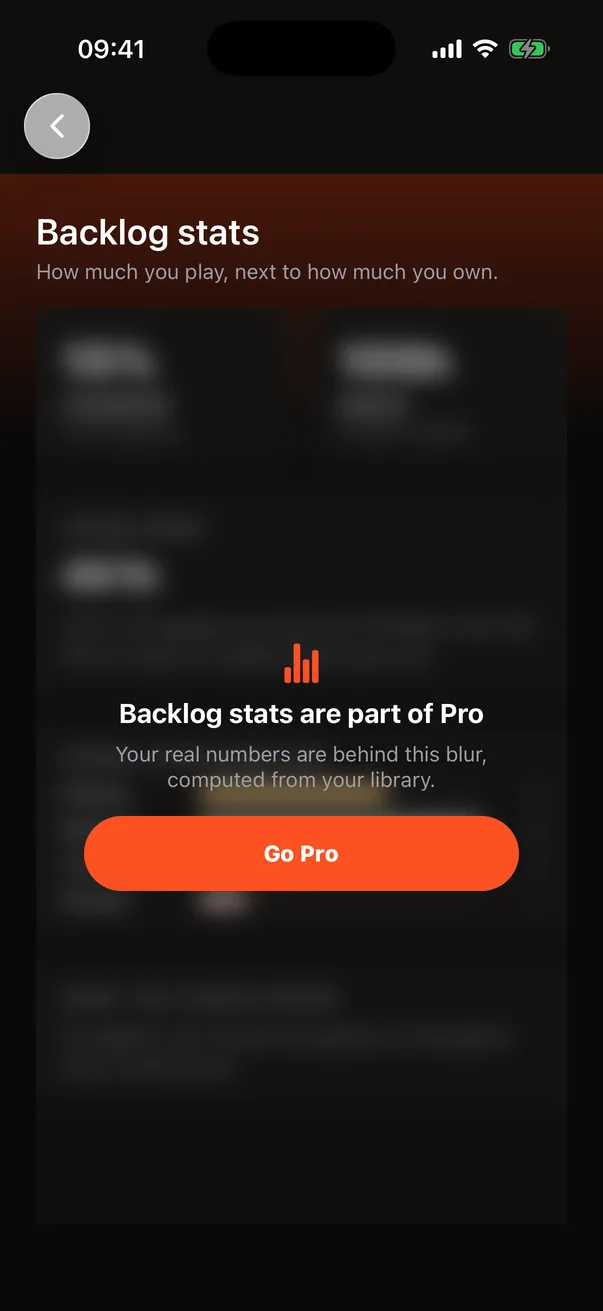
Backlog stats for a free account are computed from your actual library and shown behind a blur with one Go Pro button. You can see the shape of what you'd get: completion rate, hours owed, the genre you pause most.
Fail open
If the Pro check fails for a moment (no network, a slow start), the store keeps its last answer rather than demoting a paying customer mid-session. Banners wait for RevenueCat's first answer, so a subscriber never sees an ad flash at launch.
A native screen, not a remote paywall
The hero art and the four-benefit grid are part of the app's look, so the paywall is built in the app's theme and reads its packages, prices and trial from the offering, the way a RevenueCat Paywall would. Moving it to a remote paywall is possible once the design settles.
Lifetime beside the subscriptions
Some players dislike subscriptions, and a backlog is long-lived. Lifetime is a non-consumable product in the same Pro entitlement, so the rest of the app never needs to know which one you bought. Buying lifetime does not cancel an active subscription; you cancel that in the store.
The research behind it
Decisions on this page that rest on RevenueCat's published data and guides.
Paywall at the moment of value, trial on the annual plan
RevenueCat's guide to mobile paywalls puts the paywall where the user feels the limit, not at launch, and advises offering the free trial on the annual product so the trial leads to the longer commitment. Prysm does both.
Guide to mobile paywalls for subscription apps